Supporting End User Activation of GC Image Product
This guide provides support engineers with instructions to assist end users in activating the GC Image product.
A unique redemption code is issued at the time of purchase. The end user will need this code to obtain the activation code required for product installation.
Example 1 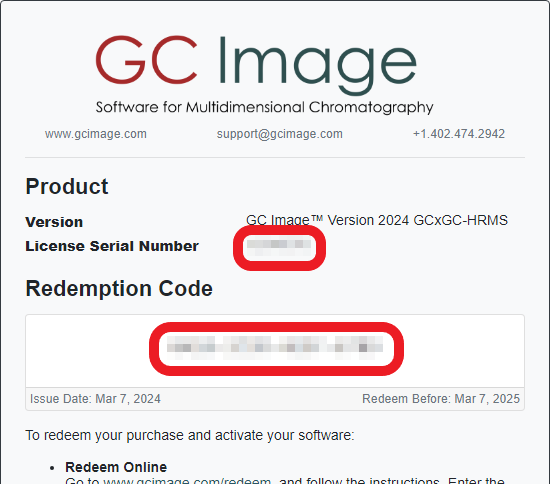
Example 2 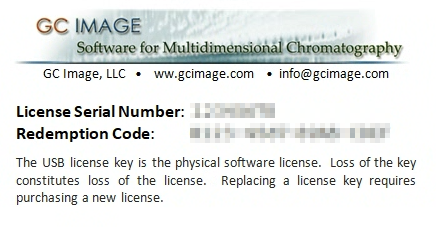
To ensure a smooth activation process, as a support engineer, you can support the end user in two ways:
A. Pre-register End User Email
Contact our support team to pre-register the work or university email address or domain associated with the purchase. This allows the end user to redeem the activation code themselves before installation.
B. Redeem Activation Code on End User’s Behalf
If your company is an authorized distributor, redeem the activation code for the end user by following these steps:
-
Go to www.gcimage.com/redeem
-
Enter your business email address associated with your company, and click Continue.
-
You will receive a one-time confirmation code via email. Enter the code and click Continue.
If you are not able to receive one-time confirmation code via your business email address:
- Register for an account on our website if you do not have one.
- Contact our support team to request to be assigned as an Authorized Distributor.
-
Enter the license serial number and the end user’s redemption code.
-
Enter the end user’s information accurately.
-
Check the confirmation checkbox and click Submit.
Step 3 - 5 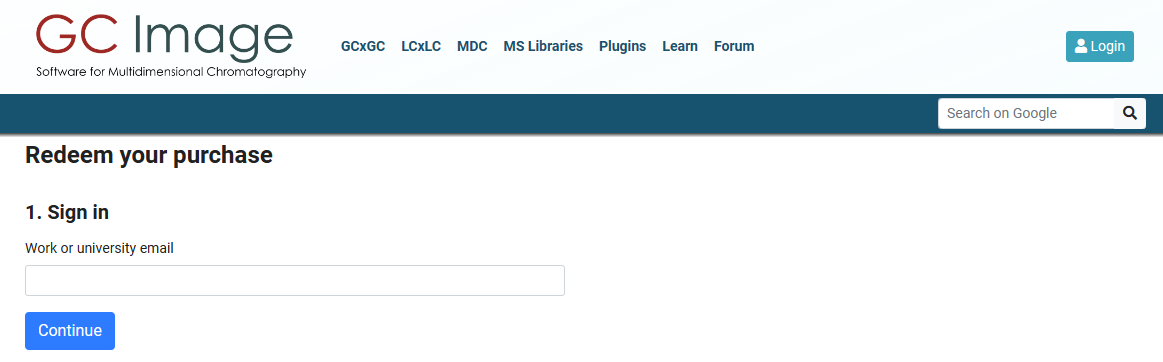 Step 6 - 8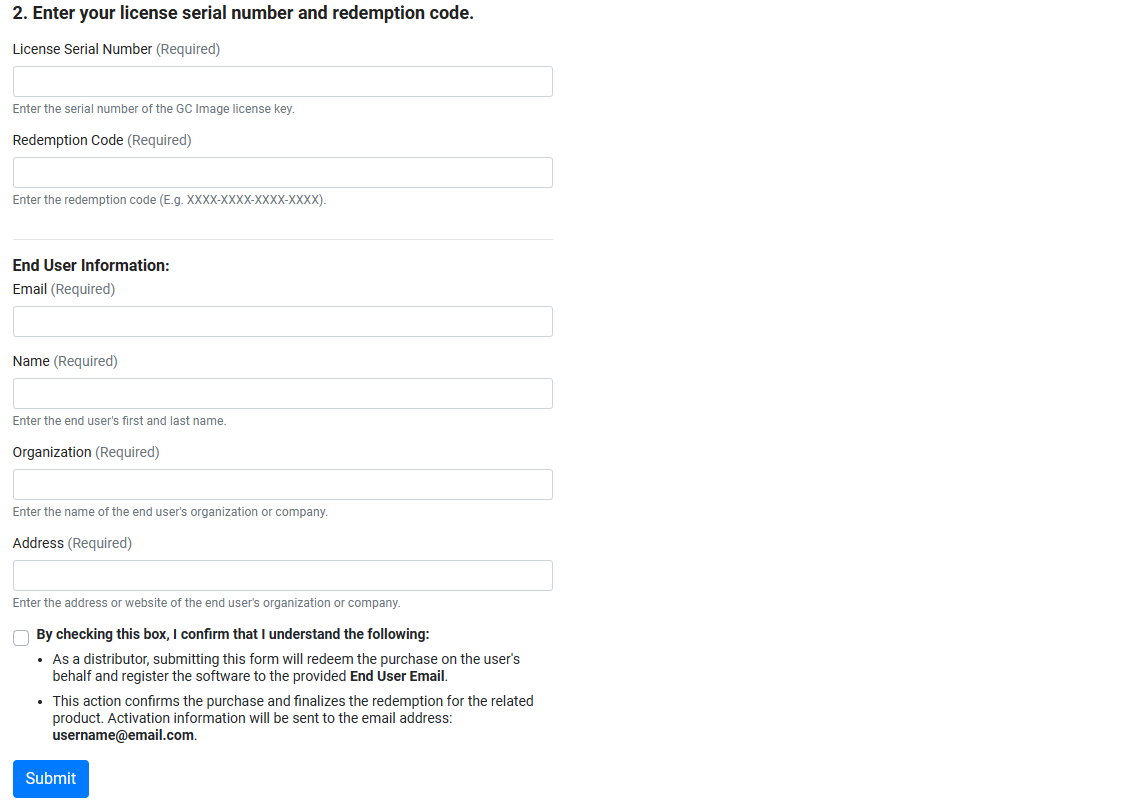
Upon successful submission,
-
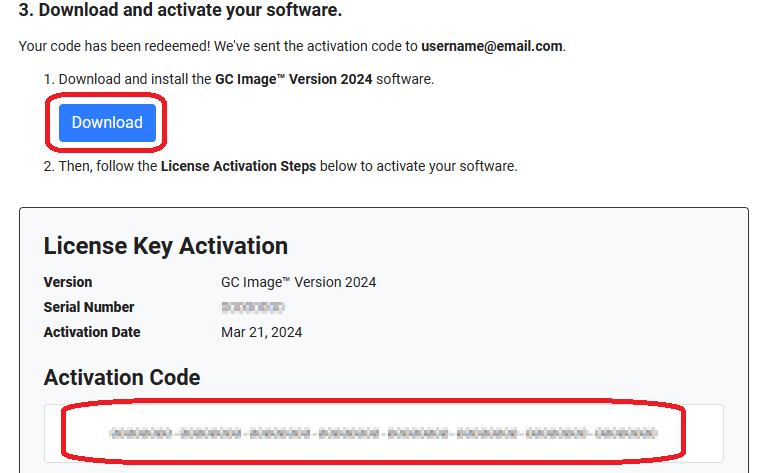
You will immediately receive a download link and the activation code.
-
Download the software using the Download button, and save the activation code (You will need it later during installation).
-
Download the WibuKey Runtime through www.gcimage.com/link/wibukey-install (You will need it later during installation).